Free Cloud GPUs & AI App Hosting: Kaggle, Google Colab & Hugging Face Spaces
Published 2026-11-14Category: Free Resources
Compare 2026 free GPU compute and hosting: Kaggle Notebooks (~30h/wk GPU + 20h/wk TPU), Google Colab dynamic T4 policies, and Hugging Face Spaces (2 vCPU / 16 GB RAM + ZeroGPU).
Table of contents
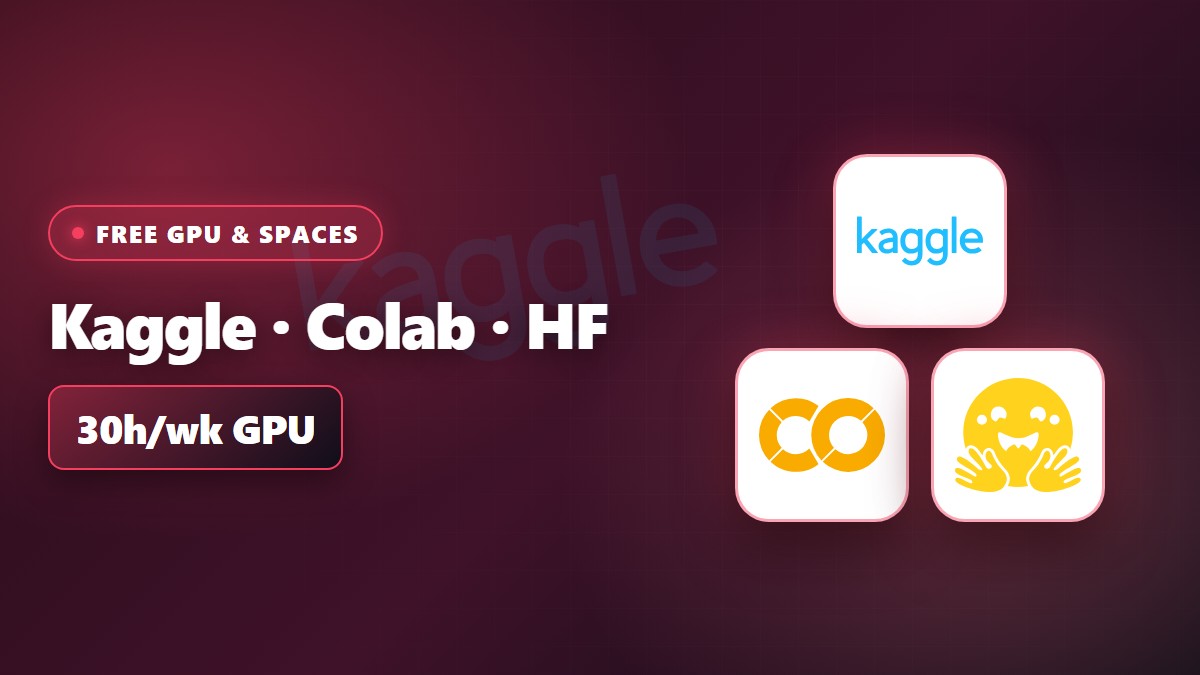
Renting dedicated cloud GPUs for fine-tuning LoRAs or hosting Gradio demos quickly drains hobby budgets. Together, Kaggle Notebooks, Google Colab, and Hugging Face Spaces cover offline training, quick experimentation, and public AI app hosting at $0.
Kaggle Notebooks: Most Predictable Weekly GPU Budget
After quick phone verification, Kaggle publishes clear weekly quotas rather than vague throttling:
- GPU Quota: ~30 GPU hours/week, letting you pick either single P100 (16 GB VRAM) or dual 2× T4 (32 GB total VRAM).
- TPU Quota: ~20 TPU hours/week.
- Session & Storage: Up to 12 hours per run, 20 GB persistent
/kaggle/workingoutput volume, and unattended background Save & Run All (Commit) commits without keeping your laptop awake.
Google Colab: Fast Interactive Scratchpad, Strict Anti-Tunnel Bans
- Dynamic Quota: Unpredictable T4 GPU availability governed dynamically by cluster demand and recent account usage.
- Timeout Behavior: Up to 12 hours max session, disconnects after ~90 minutes of browser inactivity or closed tabs.
- Strict Enforcement: Free Colab explicitly prohibits running SSH tunnels, reverse proxies, Stable Diffusion public WebUI tunnels, or crypto mining—accounts caught bypassing idle checks lose GPU access rapidly.
Hugging Face Spaces: Free Always-Accessible AI App Containers
Unlike ephemeral notebooks, Hugging Face Spaces exposes live Gradio, Streamlit, or custom Docker web demos at a permanent public URL:
- Free Base Container: 2 vCPU + 16 GB RAM (CPU Basic), free indefinitely.
- Sleep & Cold Start: Free Spaces sleep after prolonged inactivity (~48 hours idle window) and wake automatically on visitor load in ~30–60 seconds.
- ZeroGPU Shared Acceleration: Eligible community/Pro flows dynamically attach shared GPU slices only during active inference requests rather than billing idle GPU hours.
Comparison Table
| Platform | Free Compute Spec | Session / Idle Policy | Best Fit |
|---|---|---|---|
| Kaggle Notebooks | ~30h/wk GPU (P100 / 2×T4) + 20h/wk TPU | 12h max, supports unattended background commits | Model fine-tuning, batch evals, data processing |
| Google Colab | Dynamic T4 GPU | 12h max, ~90m inactivity disconnect, no background UI | Interactive tutorials & quick PyTorch prototyping |
| Hugging Face Spaces | 2 vCPU + 16 GB RAM (+ ZeroGPU grants) | Sleeps on inactivity, ~30–60s cold wake | Public Gradio/Streamlit AI demos & Docker utilities |
FAQ
Between Kaggle P100 and 2× T4, which should I pick?
Select 2× T4 (32 GB aggregate VRAM) for 7B–14B quantized model inference or DDP multi-GPU scripts; choose P100 (16 GB single card) for straightforward single-GPU training jobs that benefit from slightly simpler memory allocation without multi-GPU boilerplate.
Where should I save model checkpoints trained on Kaggle?
Push trained weights directly to the Hugging Face Hub or Backblaze B2 / Cloudflare R2 inside your training script so you don’t lose artifacts if a notebook session expires.
Spotted outdated pricing, stock, or expired coupons?See methodology & report an update →