DigitalOcean Review (2026): Droplets Pricing, Plans, Refunds and SLA
Published 2026-11-01Category: VPS Providers
DigitalOcean provides developer-focused cloud hosting and Droplets. We review Shared vs Dedicated CPU plans, hourly billing, refund policy, and Droplet SLA.

Developers and SaaS teams valuing documentation, APIs, and 99.99% SLA
Users requiring China-optimized return routes or Chinese support
Table of contents
- 1.DigitalOcean Coupon Codes (Verified November 8, 2026)
- 2.DigitalOcean: The Short Answer
- 3.Company Background
- 4.Data Centers and Network
- 4.1.Official Materials Do Not Enumerate Every Location
- 4.2.DNS, Cloud Firewalls, and VPC Networking
- 5.Choosing a Droplet Plan
- 5.1.Shared CPU Droplets: Budget Sites, Development, and Testing
- 5.2.Dedicated CPU Droplets: Match Hardware to Workload Bottlenecks
- 5.3.Billing Model and Scaling Strategy
- 6.Things to Know Before Ordering
- 6.1.Payment and Billing Terms
- 6.2.Does DigitalOcean Offer Refunds?
- 6.3.Acceptable Use Policy and Resource Restrictions
- 6.4.CPU Droplet SLA Compensation Terms
- 7.Pros and Cons
- 8.FAQ
- 9.Sources
DigitalOcean Coupon Codes (Verified November 8, 2026)
There are currently no public coupon codes available on the official DigitalOcean website. The official “Promotional Credit & Discount Terms” state only that promotional codes can be redeemed in an account once received, and that credits apply only to eligible charges for designated services. That page lists no promo codes, discount values, or expiration dates. Promotional credits cannot be exchanged for cash, transferred, or automatically stacked with other promotions.
Official billing documentation lists “Signup Credit” for new teams as a line item, but does not disclose a fixed amount or validity window. Readers planning to sign up can visit the DigitalOcean official website to review current promotional credits displayed upon registration; do not rely on unverified promo codes circulating online. Once official promo codes are released, we will verify and update them here.
DigitalOcean: The Short Answer
DigitalOcean (DO) is best suited for developers, small teams, and growing businesses that manage their own Linux environments and want hourly or monthly cloud instances. Its core VPS products are called Droplets. Entry-level Regular Shared CPU plans start at $4 per month, spanning low-cost shared CPU options for personal sites and dev/test setups to Dedicated CPU configurations optimized for General Purpose, CPU-heavy, Memory-heavy, and Storage-heavy workloads.
Three groups of users should avoid DigitalOcean:
- Those needing Chinese-speaking support or mainland China-optimized routes: Official documentation makes no mention of CN2 GIA, AS9929, or CMIN2 (China Mobile’s premium international route), nor does it offer return route (traffic from the server back to mainland China) guarantees;
- Those who do not want to administer their own servers: Droplets are unmanaged Linux virtual machines; DigitalOcean points users wanting fully managed hosting to Cloudways Managed VPS Hosting;
- Those who rely on unconditional money-back guarantees: Official support documentation explicitly states that DigitalOcean does not offer refunds, allowing refunds only in exceptional circumstances via customer support.
To explore current plan configurations and available regions, visit the DigitalOcean official website.
We have not purchased an instance for hands-on benchmarking. All technical details in this review come directly from official DigitalOcean documentation cited at the bottom; recommendations and pros/cons reflect our synthesis of those specifications.
Company Background
DigitalOcean’s official website copyright is held by DigitalOcean, LLC. According to its About page, the company was founded in 2012, initially launching Droplets to offer simple, affordable cloud infrastructure for developers. Today it serves software engineers and expanding businesses, with products spanning virtual machines, managed Kubernetes, managed databases, object storage, cloud networking, and AI infrastructure.
Rather than a conventional single-purpose VPS hosting storefront, DigitalOcean operates an integrated cloud console. Across a single account, users can manage Droplets, GPU Droplets, MicroVMs, managed databases, Spaces object storage, and VPC networking. Billing documentation explains that multiple project teams can be organized under a single company account, allowing centralized expense tracking. Deploying a VPS and attaching managed databases, load balancers, automated backups, or object storage is a typical workflow on this platform.
The company identifies as a remote-first organization with staff across multiple countries. For VPS buyers, the practical consideration is product scope: a Droplet is an unmanaged Linux virtual machine on virtualized hardware, functioning as a standalone server or as part of a distributed cloud architecture. It is a self-managed developer cloud host, not shared web hosting bundled with control panels and managed maintenance.
Data Centers and Network
Official Materials Do Not Enumerate Every Location
DigitalOcean displays resource availability dynamically across regions in its console and documentation. Official VPS product, pricing, and legal pages do not list a static roster of data centers, nor do they claim optimized routing such as CN2 GIA, AS9929, or CMIN2 for mainland China traffic.
According to the official pricing page, Droplets include a free outbound bandwidth transfer allowance starting at 500 GiB per month; excess outbound public transfer is billed at $0.01 per GiB ($0.01/GiB). Inbound transfer across VPCs is free, and bandwidth between resources in the same data center and across VPCs in that region is free. Outbound VPC transfer between different data centers costs $0.01 per GiB ($0.01/GiB). Deploying compute, database, and storage resources in the same region keeps network costs predictable.
DNS, Cloud Firewalls, and VPC Networking
The official pricing page notes that DNS management, Cloud Firewalls, and VPC networking incur no additional fees. A Reserved IP is free when assigned to an active Droplet. Container Registry includes one repository and 500 MiB of storage at no charge. While these are separate from core CPU, RAM, and SSD disk specifications, they provide useful capabilities when deploying web applications, APIs, or containerized services.
DigitalOcean does not promise specific transit providers, port speeds, or return route latency to mainland China in these materials. Overseas cloud platform status alone should not be taken as an indicator of performance for Chinese visitors.
Choosing a Droplet Plan
Shared CPU Droplets: Budget Sites, Development, and Testing
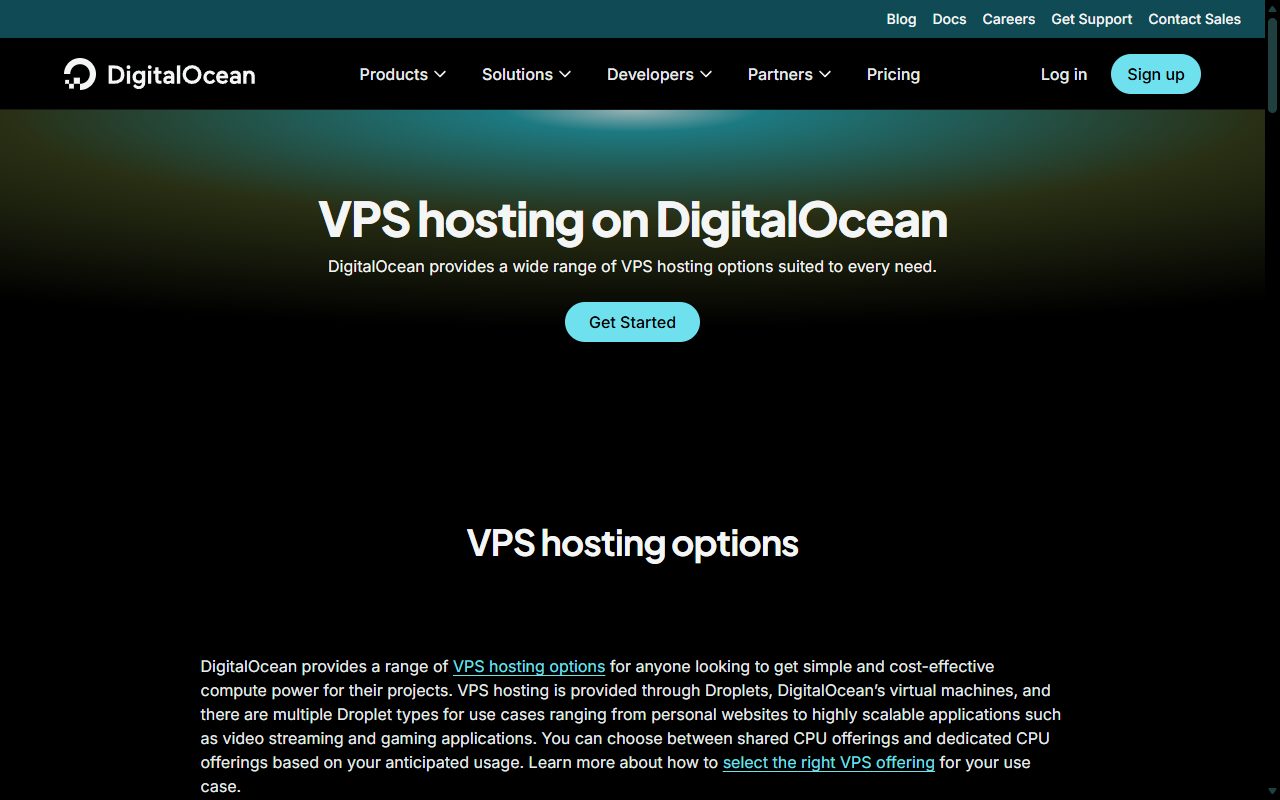
Shared CPU Droplets represent the most affordable VPS options on DigitalOcean. Shared CPU means processing power is shared among users on the underlying hypervisor; official documentation notes that burstable performance allocates extra compute cycles when workloads spike. Regular Shared CPU plans target personal websites, staging environments, and side projects, starting at $4 per month ($4/mo).
As verified on the official pricing page on November 4, 2026, the $4 entry tier provides 1 vCPU, 512 MiB RAM, 10 GiB SSD storage, and 500 GiB monthly transfer. The $6 tier upgrades to 1 vCPU, 1 GiB RAM, 25 GiB storage, and 1,000 GiB monthly transfer. When budgets are tight and CPU usage remains light, these tiers offer an economical start; sustained processing loads or production applications should look to dedicated vCPU plans.
Premium Shared CPU plans remain on shared hypervisors, but use the newest two generations of processors, faster NVMe SSD storage, and higher-frequency memory. They target shared workloads that require faster memory caches and database responses. The baseline Premium Shared tier provides 1 vCPU, 1 GB RAM, 25 GB NVMe SSD, and 1,000 GB transfer starting at $7 per month ($7/mo).
Dedicated CPU Droplets: Match Hardware to Workload Bottlenecks
Dedicated CPU Droplets reserve full compute threads for the virtual machine. DigitalOcean categorizes them into General Purpose, CPU-Optimized, Memory-Optimized, and Storage-Optimized tiers. Users do not need to buy the largest instance; choose according to the primary system bottleneck.
| Product Line | Official Target Use Case | Entry Specs and Pricing (November 4, 2026) |
|---|---|---|
| Regular Shared CPU | Personal sites, development, and testing | 1 vCPU / 512 MiB / 10 GiB / 500 GiB, $4/mo |
| Premium Shared CPU | Modern CPUs, NVMe SSD, and faster RAM | 1 vCPU / 1 GB / 25 GB NVMe / 1,000 GB, $7/mo |
| CPU-Optimized | Sustained compute tasks, CI/CD, encoding, batch jobs | 2 vCPU / 4 GB / 25 GB / 4 TB, $42/mo |
| General Purpose | Moderate-to-high traffic sites, medium databases, SaaS | 2 vCPU / 8 GB / 25 GB / 4 TB, $63/mo |
| Memory-Optimized | High-performance SQL/NoSQL databases, data pipelines | 2 vCPU / 16 GB / 50 GB / 4 TB, $84/mo |
| Storage-Optimized | Large datasets, analytics ingest, and high-capacity storage | 16 GB / 300 GB SSD / 4 TB, $131/mo |
CPU-Optimized instances maintain a 2:1 RAM-to-CPU ratio, scaling from 2 vCPU / 4 GB RAM up to 32 vCPU / 64 GB RAM. General Purpose provides a balanced 4:1 memory-to-core ratio scaling up to 40 vCPU. Memory-Optimized provides 8 GB of RAM per vCPU. Storage-Optimized instances employ NVMe drives, providing roughly 150 GB of storage per dedicated vCPU up to 7 TB.
Start with Shared CPU instances for small personal projects and prototyping; choose General Purpose for balanced web apps and databases; pick CPU-Optimized for software builds, video encoding, and data crunching; select Memory-Optimized for in-memory databases; and select Storage-Optimized for large local transactional stores.
Billing Model and Scaling Strategy
The pricing page notes that Droplets are billed by the second, with a minimum billing threshold of 60 seconds or $0.01, whichever is greater. Public rates are quoted per month. Billing documentation explains that resource charges accrue over the calendar month, with invoices automatically billed against the default payment method on the 1st of each month. Accounts may also be charged mid-month when reaching preset account billing thresholds.
This model allows spinning up and destroying test instances on short notice, but users must remember that stopped Droplets continue to reserve CPU, RAM, and IP allocations and are billed until fully destroyed. Budgets must account for Droplet compute, automated backups, block storage volumes, managed databases, and outbound transfer. DigitalOcean provides Spending Alerts, sending email notifications when monthly usage hits a user-defined percentage of target spend.
For current hardware options and regional availability, consult the DigitalOcean official website.
Things to Know Before Ordering
Payment and Billing Terms
Official billing documentation lists credit cards, debit cards, cryptocurrency wallets, PayPal, Google Pay, Apple Pay, and direct bank transfers as supported payment channels, subject to account and regional eligibility in the control panel. Terms of Service require keeping accurate, complete payment details on file, authorizing DigitalOcean or its payment processors to charge outstanding balances automatically upon invoice generation.
Unlike prepaid annual VPS hosts, charges accrue during usage and invoice monthly. In cases of failed payments or delinquent balances, terms permit DigitalOcean to restrict, suspend, disable, or terminate services and delete accounts. To halt charges, instances and resources must be destroyed in the dashboard or canceled via support; committed capacity or minimum contract commitments may be non-cancellable.
Does DigitalOcean Offer Refunds?
Official support documentation states plainly: “We do not offer refunds.” It notes that users facing exceptional circumstances may submit a ticket to the support team for review. Promotional signup credits or referral bonuses should not be treated as money-back guarantees, and users should not purchase long-term capacity expecting automatic refunds.
Terms of Service further specify that upon termination of an account or service, paid fees are non-refundable unless expressly stated otherwise in writing. Once an account is closed, service contents are purged per standard data deletion workflows; users must export backups and snapshots prior to account termination.
Acceptable Use Policy and Resource Restrictions
The Acceptable Use Policy (AUP) prohibits illegal content, intellectual property infringement, unauthorized vulnerability scanning or penetration attempts, malware distribution, network eavesdropping, IP spoofing, DoS attacks, open proxies, open mail relays, open recursive DNS, Tor exit nodes, and circumventing platform limitations.
The policy also restricts intrusive monitoring or automated scraping that disrupts target systems, bans cryptocurrency mining without prior written authorization, and requires commercial mass email to adhere strictly to opt-in consent, unsubscribes, and abuse handling standards. If an account is found in violation—even if caused by an unauthorized third party or compromise—DigitalOcean reserves the right to suspend, throttle, or terminate the account. Projects involving web scraping, mining, open proxies, or aggressive network scanning are not permitted.
CPU Droplet SLA Compensation Terms
The CPU Droplet SLA guarantees 99.99% monthly uptime for each individual Droplet instance. Downtime is defined as an infrastructure-side failure within DigitalOcean that causes a Droplet or DOKS worker node to lose connectivity over public, reserved, or private IPs, or causes the root storage volume to lose read/write capability.
If monthly availability drops below 99.99%, the official SLA terms provide a service credit equal to 100% of the affected Droplet’s monthly fee. Credits apply strictly to future invoices and are not redeemable as cash refunds. Scheduled maintenance, user-initiated shutdowns, force majeure, third-party network disruptions, customer network issues, account suspensions, application errors, and misconfigurations are excluded from SLA coverage.
SLA credits are not awarded automatically. Users must email [email protected] within two billing cycles following the month of the incident, including the account email, affected Droplet identifiers, and outage start and end timestamps. Once validated, credits are issued within one billing cycle. Mission-critical workloads should incorporate high-availability clustering, failover, and external backups rather than relying solely on SLA credits.
Pros and Cons
Pros
- Entry-level Regular Shared CPU plans start at $4/mo with per-second billing, making developer testing and small sites economical to run;
- Clear product segmentation between Shared CPU, General Purpose, CPU-Optimized, Memory-Optimized, and Storage-Optimized instances;
- Transparent pricing documentation covering bandwidth limits, $0.01 per GiB overages, free VPC, DNS, and Cloud Firewalls;
- Robust single-instance CPU Droplet SLA offering a 100% credit of the monthly Droplet cost if monthly uptime falls below 99.99%;
- Centralized cloud platform allowing Droplets, managed databases, object storage, and networking under unified account billing.
Cons
- No mainland China-optimized routes, CN2 GIA/CMIN2 transit, or China carrier latency guarantees;
- Shared CPU performance can fluctuate under neighbor workloads, making it unsuitable for sustained 100% CPU utilization;
- Official support policy states that refunds are not offered, requiring upfront validation of project fit;
- Recurring monthly billing automatically charges linked cards, meaning forgotten instances will continue to accrue costs;
- Strict AUP bans open proxies, Tor exits, unauthorized network scanning, cryptocurrency mining, and disruptive web crawling.
To compare data centers, pricing, and active promotions across alternative providers, visit our VPS Provider Directory or browse hosts by region.
FAQ
What is DigitalOcean?
DigitalOcean is a developer cloud infrastructure provider founded in 2012. Its foundational VPS product is the Droplet, an unmanaged Linux virtual machine that runs on virtualized hardware and integrates with managed databases, object storage, and cloud networking.
How much does the cheapest DigitalOcean VPS cost?
According to the official pricing page on November 4, 2026, the cheapest Regular Shared CPU Droplet costs $4 per month. It includes 1 vCPU, 512 MiB RAM, 10 GiB SSD storage, and 500 GiB monthly transfer, billed by the second with a minimum charge of 60 seconds or $0.01.
How do I choose between Shared CPU and Dedicated CPU Droplets?
Shared CPU Droplets suit personal blogs, staging sites, and lightweight utility tools where workloads run intermittently. Choose CPU-Optimized for continuous computing tasks, General Purpose for production web applications and databases, Memory-Optimized for in-memory caches, and Storage-Optimized for large transactional data stores.
Does DigitalOcean offer refunds?
Official support documentation states that DigitalOcean does not provide refunds. Users experiencing unusual circumstances can submit an inquiry to the support team, but standard terms specify that paid fees are non-refundable.
Does DigitalOcean have an SLA?
Yes. CPU Droplets carry a 99.99% monthly availability SLA. If availability drops below 99.99% due to infrastructure failures, users can claim a 100% service credit for the affected Droplet to apply toward future billing.
What payment methods does DigitalOcean accept?
Official billing guides indicate support for credit cards, debit cards, PayPal, Google Pay, Apple Pay, crypto wallets, and bank transfers, subject to availability in your account’s dashboard. Invoices are billed automatically to active payment methods.
Are there active DigitalOcean coupon codes?
As of November 8, 2026, DigitalOcean does not list public coupon codes on its site. While official terms describe coupon and signup credit redemption mechanisms, no public promotion codes or expiry dates are active.
Is DigitalOcean suitable for mainland China visitors?
DigitalOcean does not offer route optimization, CMIN2, or CN2 GIA transit back to mainland China. Projects targeting mainland Chinese traffic should benchmark real-world latency or consider providers with dedicated China-optimized routes.
Sources
The following pages were captured on November 8, 2026, with Droplet pricing recorded from official pricing tables on November 4, 2026:
- DigitalOcean Home and About pages: digitalocean.com, digitalocean.com/about
- Pricing and VPS Hosting: digitalocean.com/pricing, digitalocean.com/solutions/vps-hosting
- Droplets and Billing documentation: docs.digitalocean.com/products/droplets/, docs.digitalocean.com/platform/billing/
- Terms of Service, Acceptable Use Policy, and Promotional Terms: digitalocean.com/legal/terms-of-service-agreement, digitalocean.com/legal/acceptable-use-policy, digitalocean.com/legal/promotional-credit-discount-terms
- CPU Droplet SLA and Refund Policy: digitalocean.com/sla/cpu-droplets, docs.digitalocean.com/support/can-i-have-a-refund/
To deploy cloud resources, visit the DigitalOcean official website.
Spotted outdated pricing, stock, or expired coupons?See methodology & report an update →